
Box social selling
Keep every customer conversation connected.
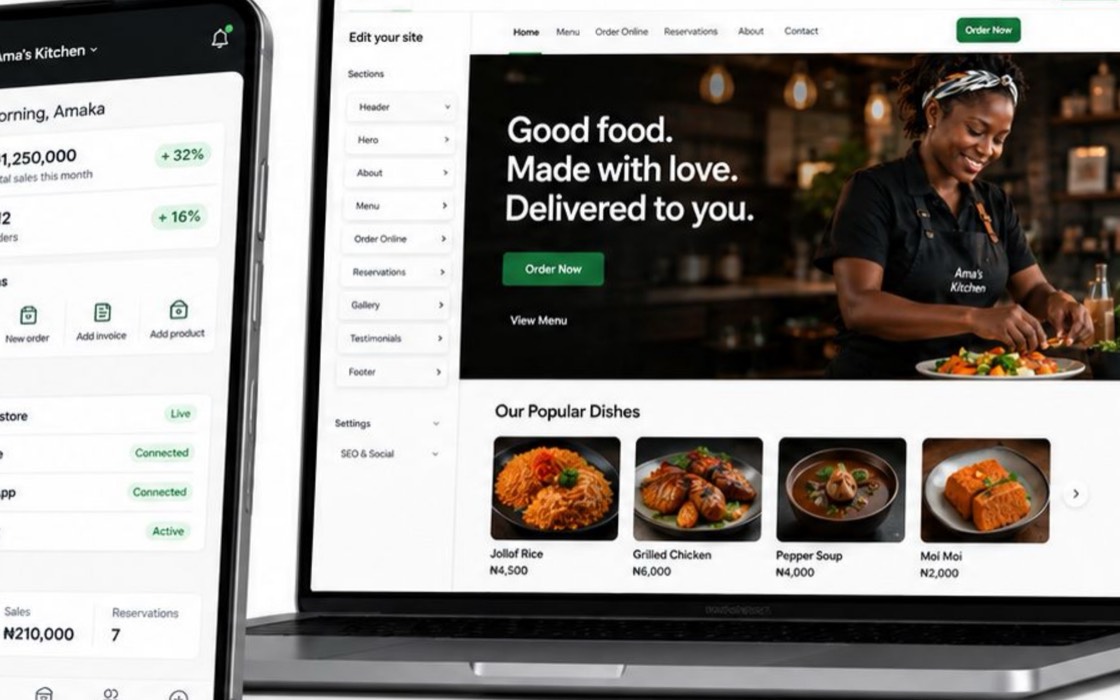
Let merchants keep selling through the channels customers already use while products, orders, customers, and payment outcomes become records the business can operate.
Contact sales
From the first message to the completed payment, keep the conversation flowing and the commerce visible.
Conversation to checkout
Share a clear route from interest to order.
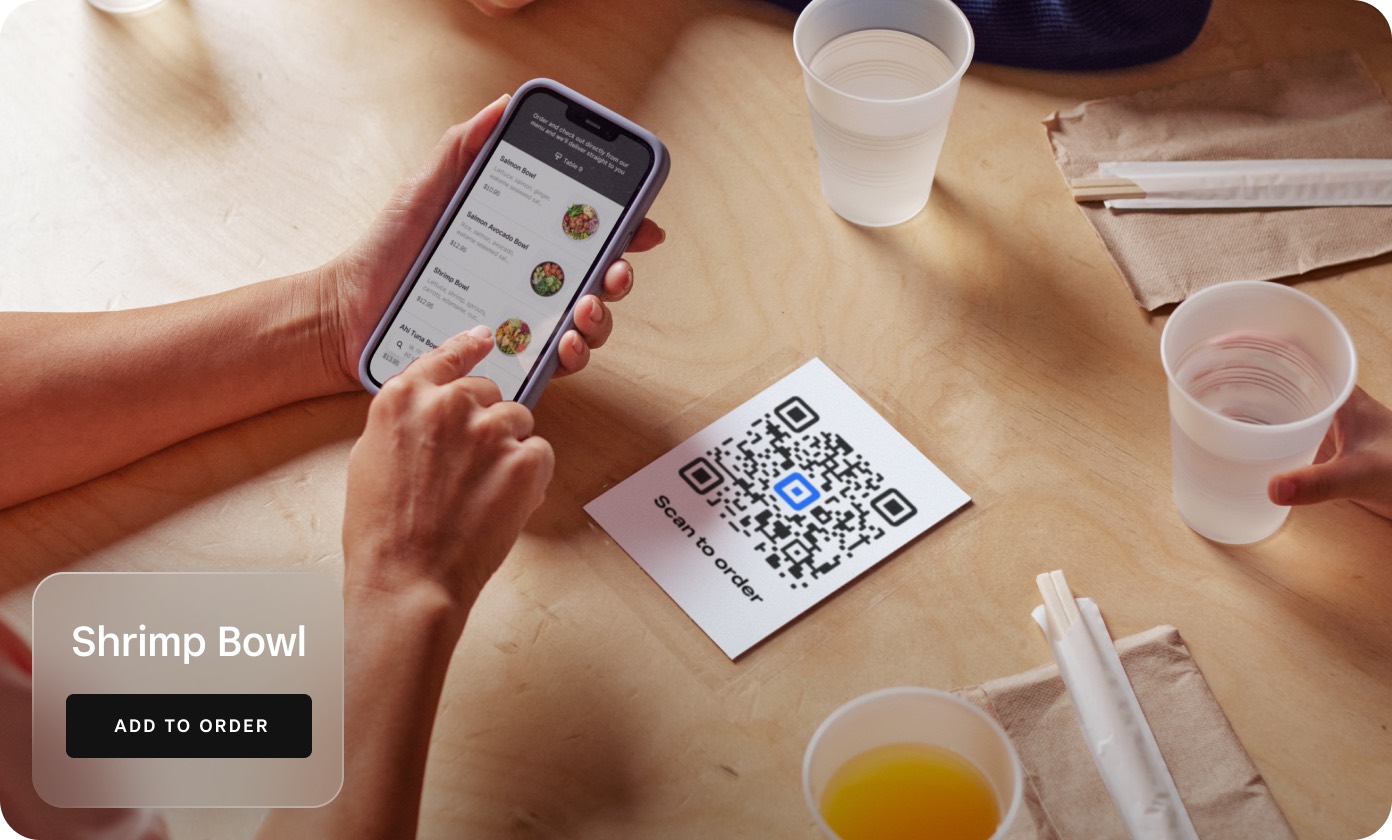
A merchant can keep the discussion in the channel where it began, then share a product page or payment link when the customer is ready.
Product drops and campaigns
Send customers to the product, not a directory of links.
Use an owned storefront, focused product page, or payment link backed by the same catalogue the merchant uses everywhere else.
Customer records
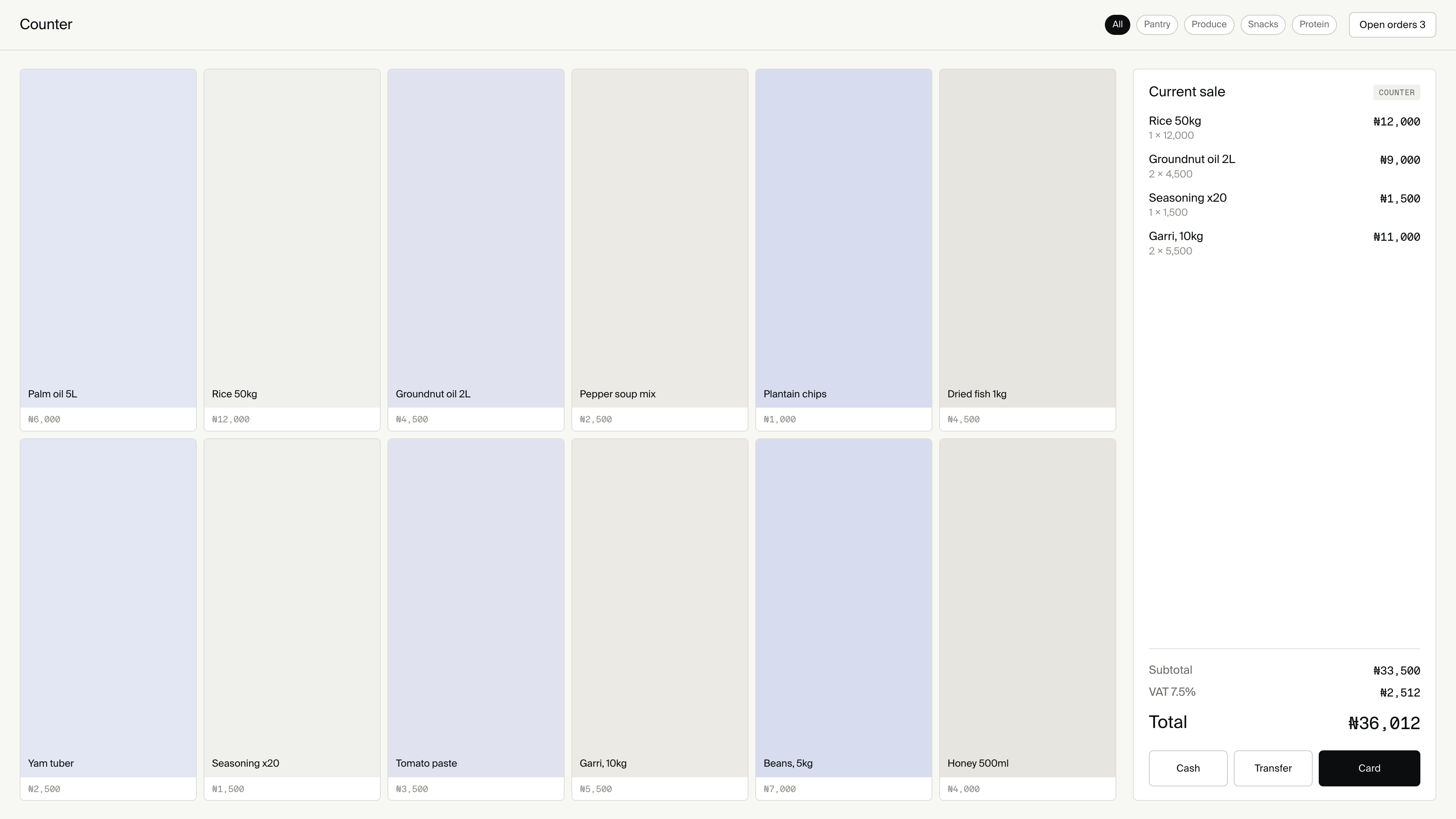
A completed social sale can become customer activity the merchant owns and can understand later.
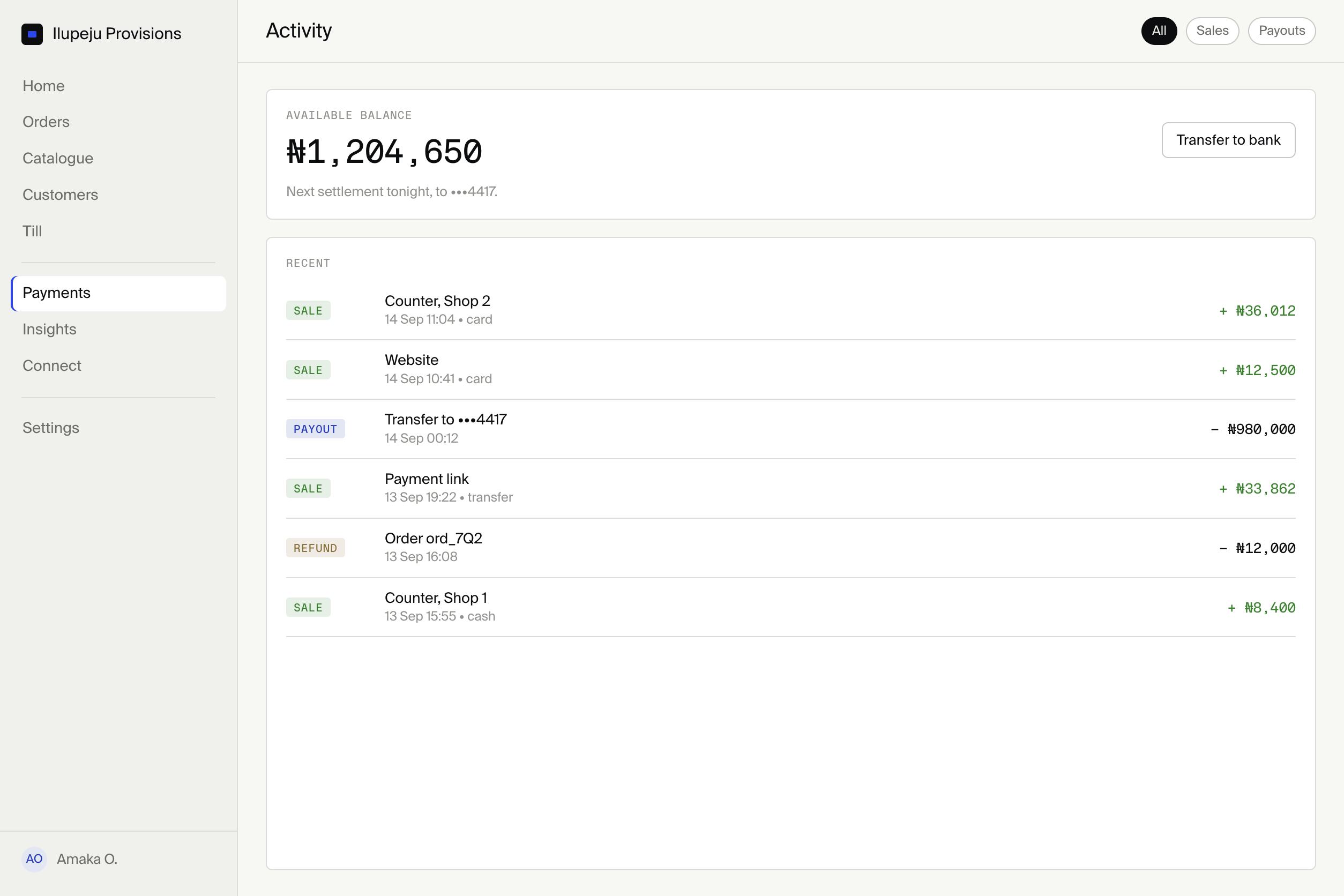
Merchant workspace
Products, orders, returns, and payment outcomes remain visible inside Merchant Console.
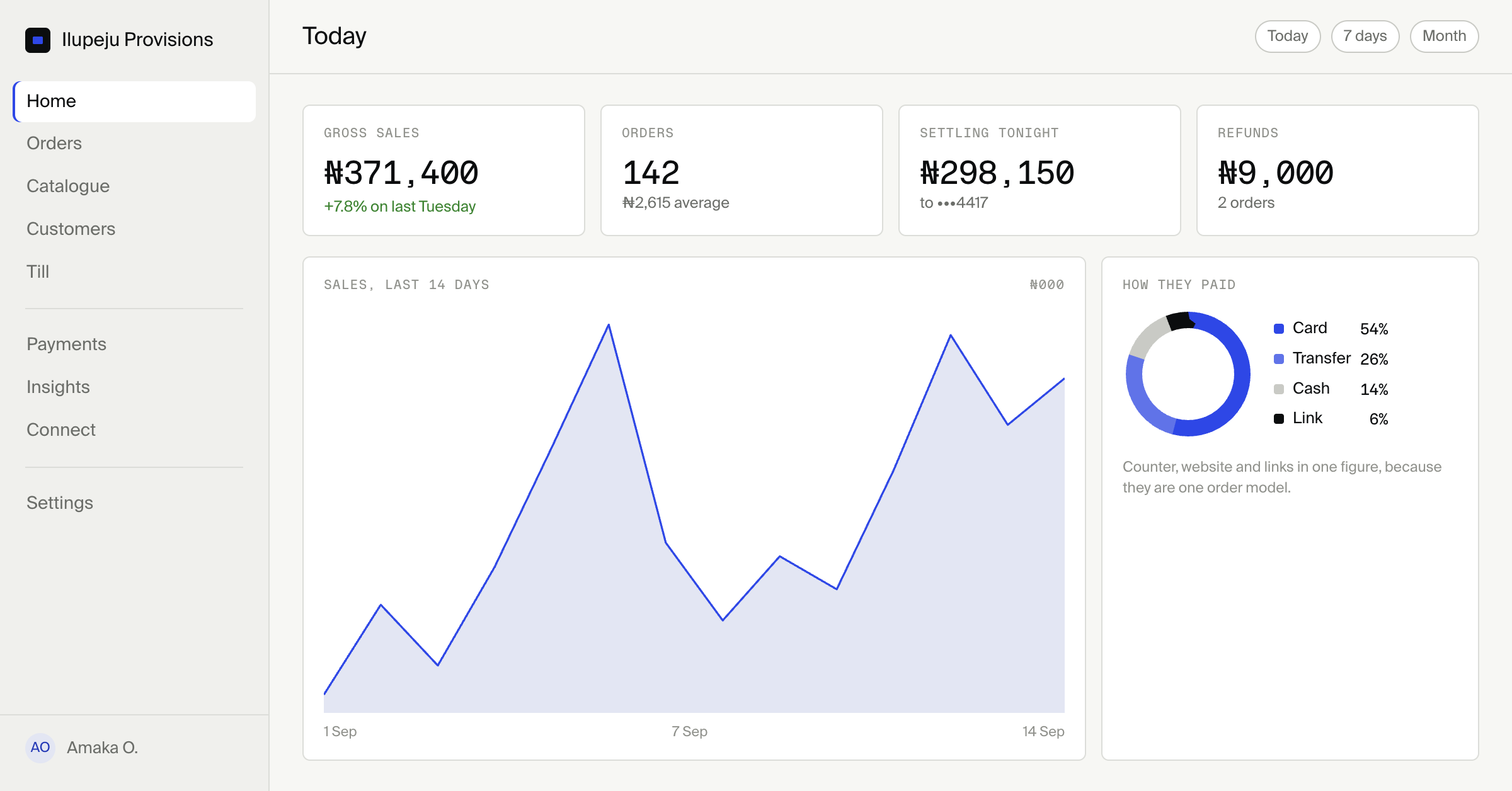
One merchant plan for every way they sell.
Social selling works through Box Website, product pages, payment links, and the shared commerce engine. Merchants can start with Box Core and add capacity as their operation grows.
Compare plans“The conversation should stay where the customer started it. The order should become visible everywhere the merchant needs it.”
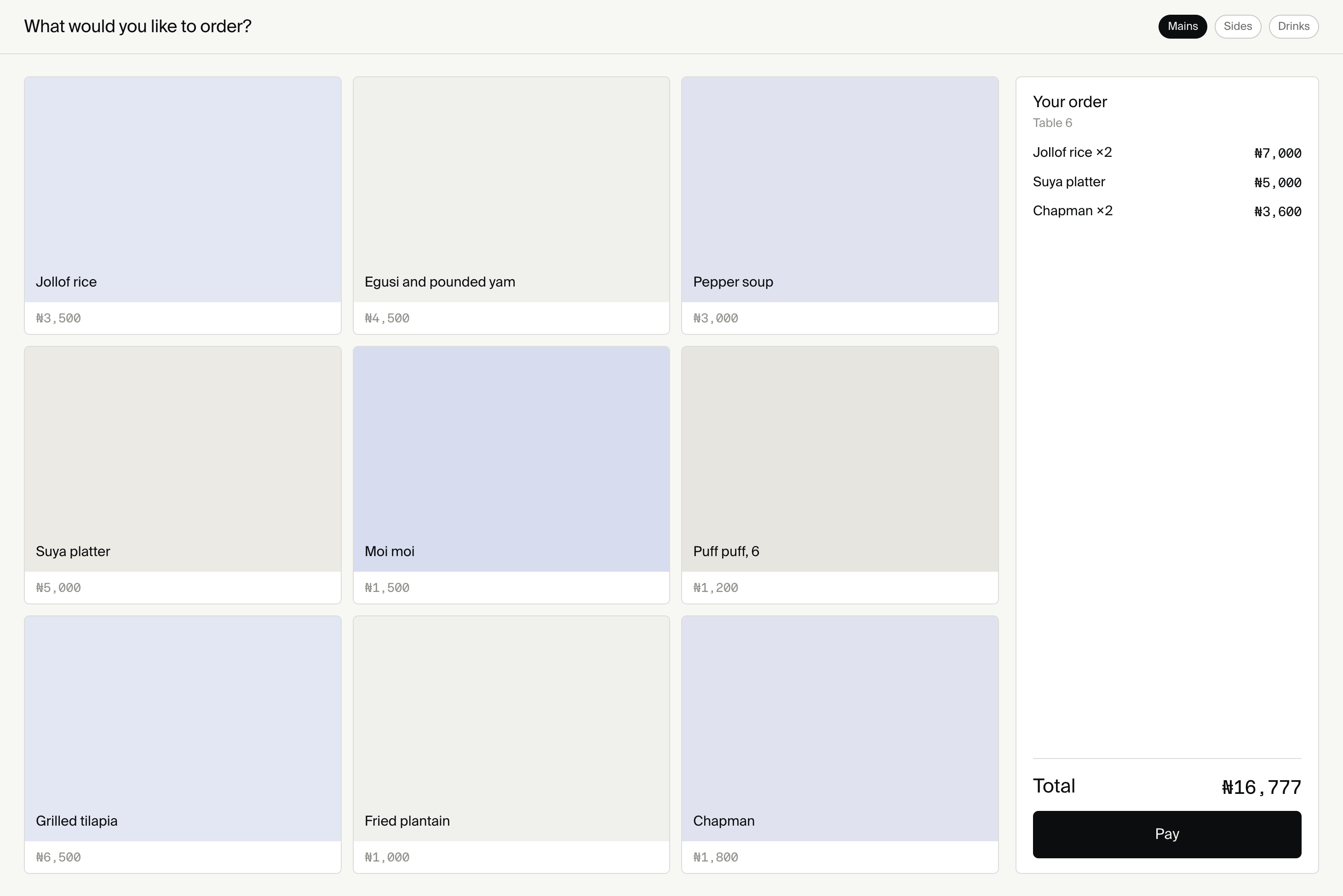
Everything works together with the Box platform.
Social selling is one surface on the same catalogue, customer, order, and payment foundation used by the website and counter.
Explore the platform →Have questions?
How social conversations become connected commerce without turning Box into a social media tool.
What does social selling mean here?
Selling through channels merchants already use, with checkout and resulting records handled by the Box commerce foundation.
Does Box post on behalf of merchants?
No. Box provides commerce surfaces reached from social channels. It does not publish posts, rank content, or manage captions.
How does a customer pay?
Through a product page, owned storefront, or payment link connected to the institution’s configured payment rails.
What happens to stock and returns?
Orders and returns use the same catalogue and order history as the merchant’s other Box surfaces.
Does the merchant need another application?
No. Products, orders, customers, and payment outcomes are managed through the existing Box merchant workspace.
Resources
 Payment linksSell one agreed item without building a storefront.
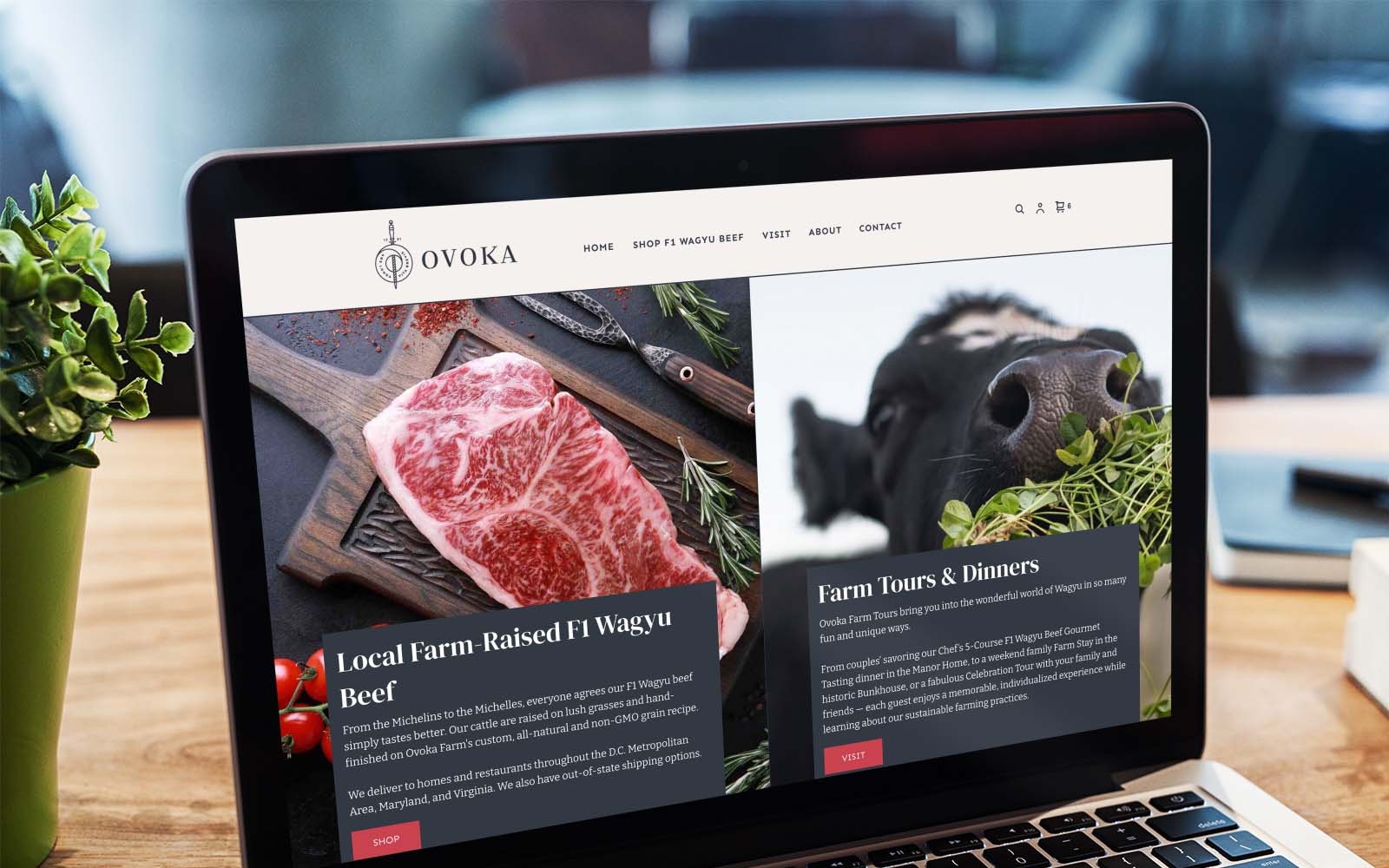 WebsiteTurn the link in bio into an owned shop.
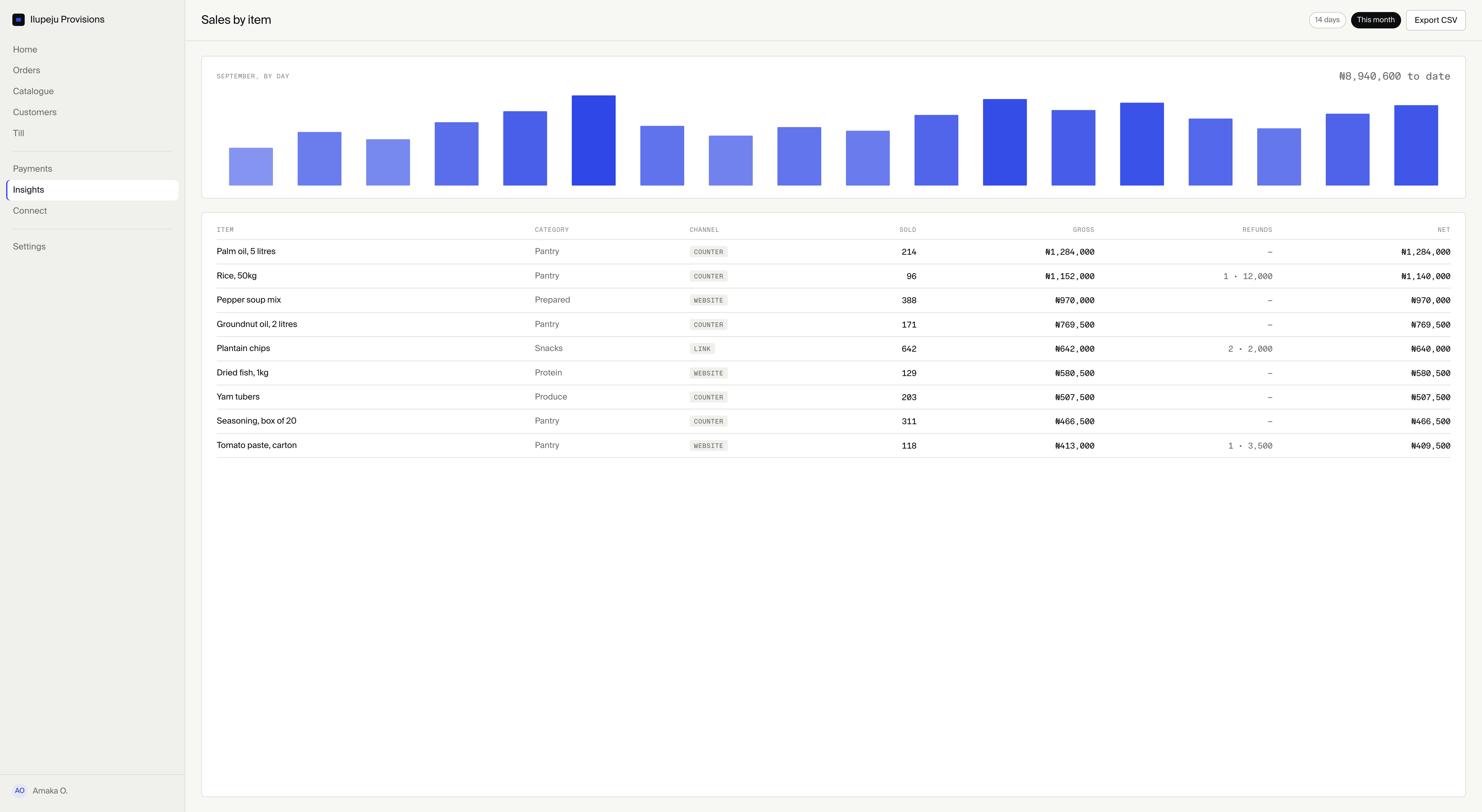 InsightsUnderstand the trade social conversations create.
Merchant ConsoleOperate every channel from one workspace.
InsightsUnderstand the trade social conversations create.
Merchant ConsoleOperate every channel from one workspace.
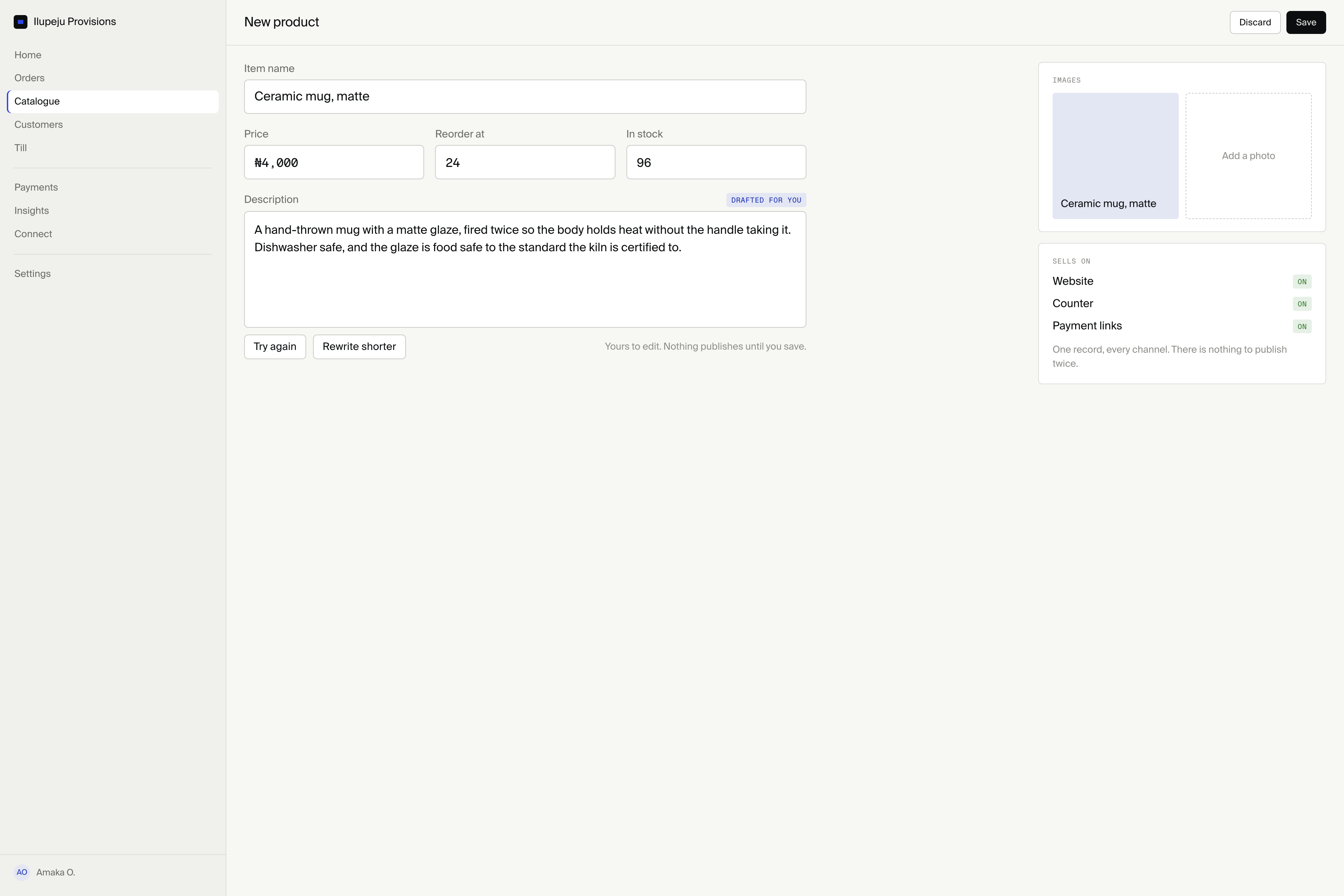 Commerce EngineKeep one product and order foundation.
 In personConnect social orders to the physical counter.