React when trade happens.
Start work when an order is created, paid, prepared, collected, refunded, or cancelled.
Commerce
Intelligence
Infrastructure
 Why institutions choose Box
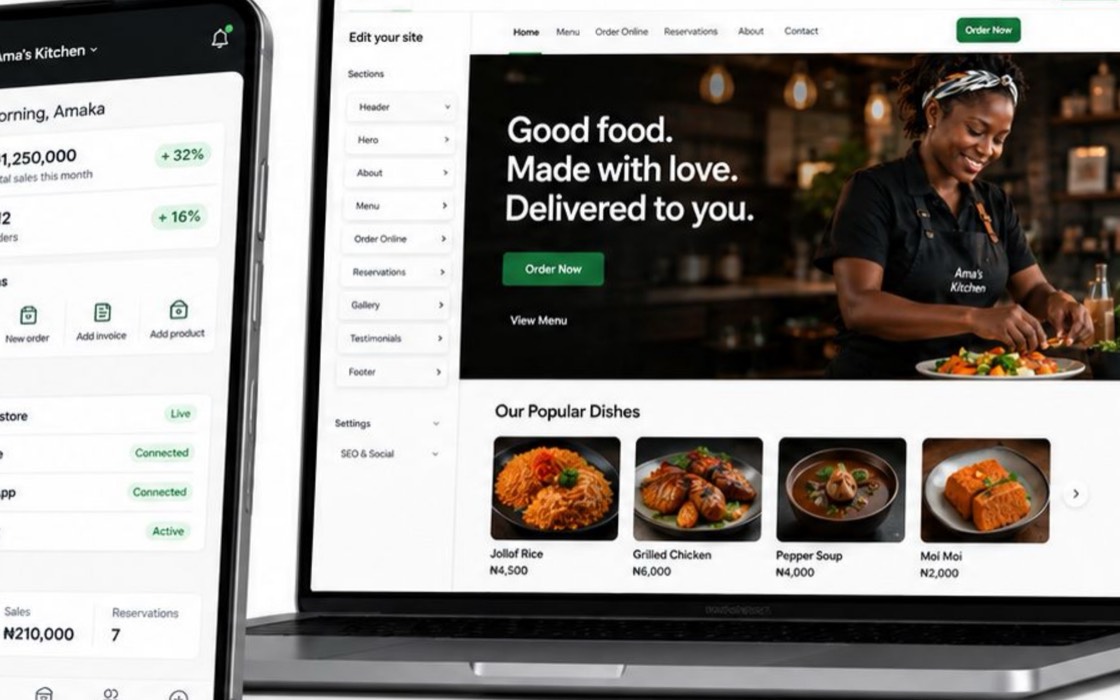
Keep the brand, records, rails, and merchant relationship.
Why institutions choose Box
Keep the brand, records, rails, and merchant relationship.
Start here
By merchant activity
By deployment
 See it running
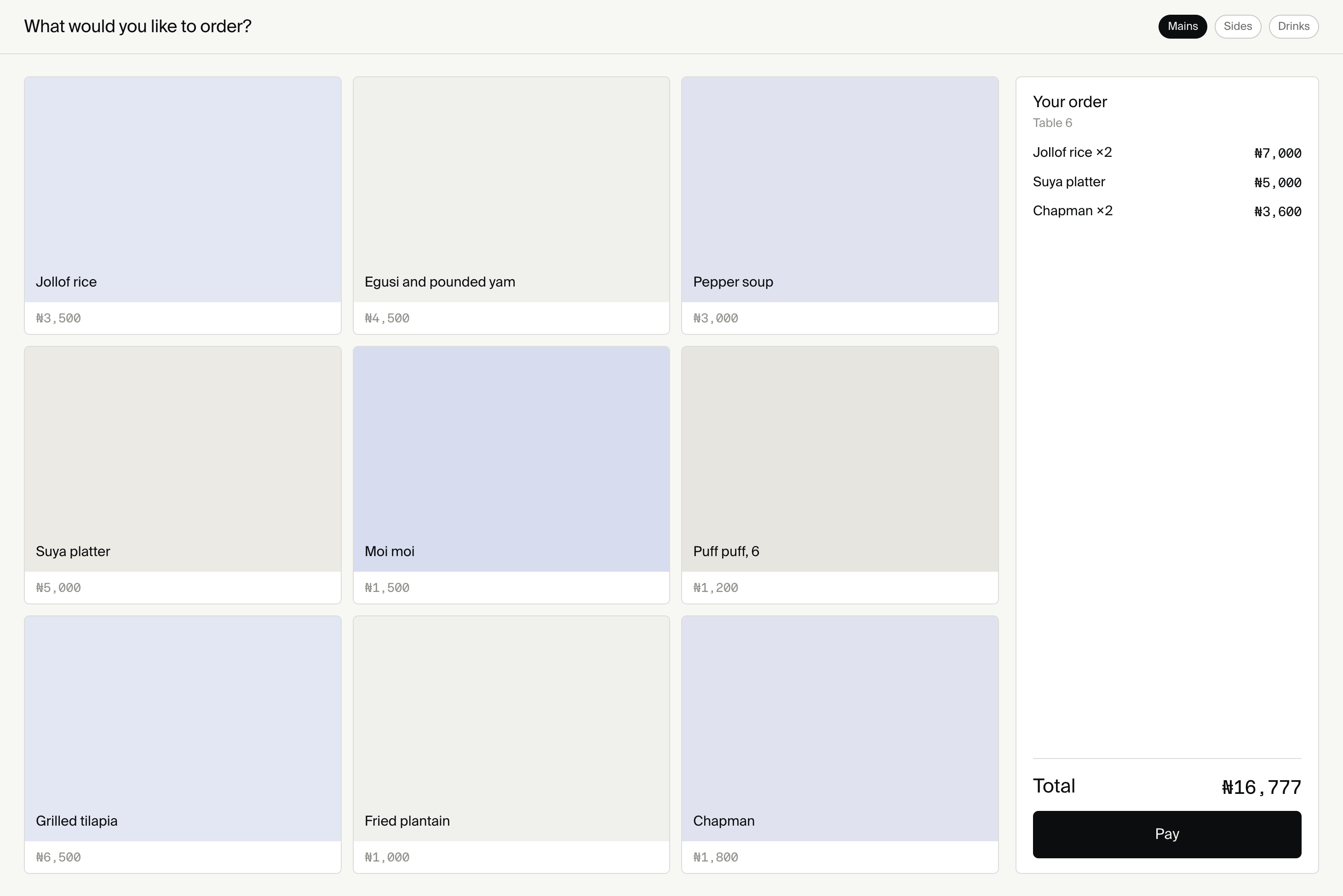
OlivePay licensed Box. The tills are already in the field.
See it running
OlivePay licensed Box. The tills are already in the field.
Connect orders, customers, stock, and payment events to the business tools merchants and institution teams already use.

Start with real commerce
Connect listens to activity inside the deployment. It does not invent another customer list, order store, or reporting system that must later be reconciled.
Start work when an order is created, paid, prepared, collected, refunded, or cancelled.
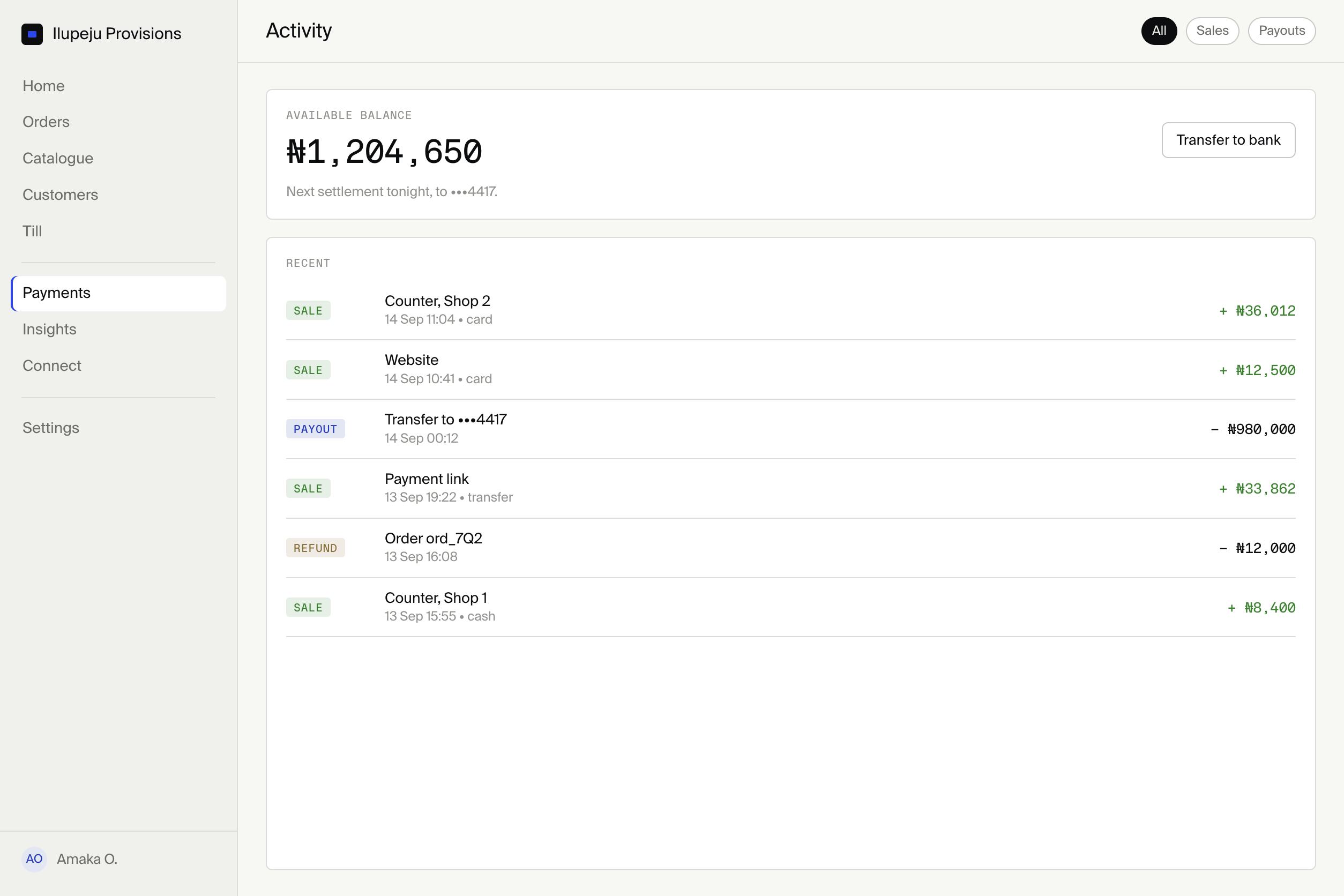
Use customer activity and consent captured through the merchant’s own commerce surfaces.
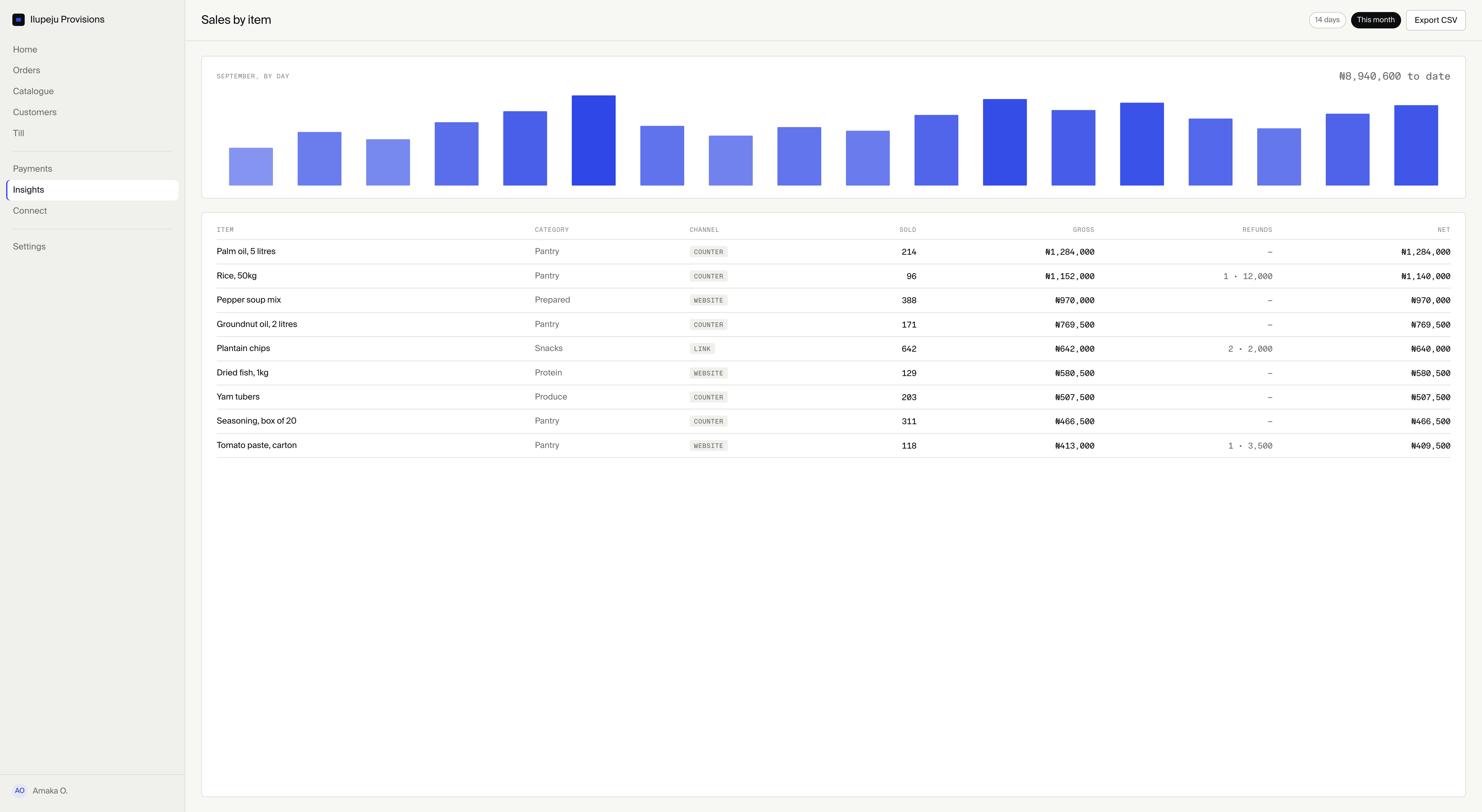
Route stock, fulfilment, payment, and location signals to the team responsible for acting.
One visible workflow
Template
Choose a commerce pattern, then adapt its conditions and destination for each merchant.
Mapping
Show the source record, selected conditions, destination fields, and provider boundary before anything is activated.
Test
Confirm what each step receives and produces without sending live merchant data into an unfinished workflow.
Run history
Inspect completed, waiting, and failed steps with a path back to the source record that started the run.
Business applications
Institutions can package approved connector implementations for communication, productivity, accounting, marketing, and commerce services.
 WhatsApp BusinessMessaging
 Microsoft 365Productivity
 Google WorkspaceProductivity
 SlackTeam communication
 QuickBooksAccounting
 XeroAccounting
 MailchimpMarketing
 HubSpotCustomer operations
 ShopifyCommerce
 ZapierAutomation
These are illustrative connector targets, not a claim that every integration ships with Box. A connection exists only when an approved implementation is installed in the institution’s deployment.
Useful in context

Route fulfilment details without turning the destination app into another order system.

Use catalogue and inventory events so the right team can replenish before stock becomes a missed sale.
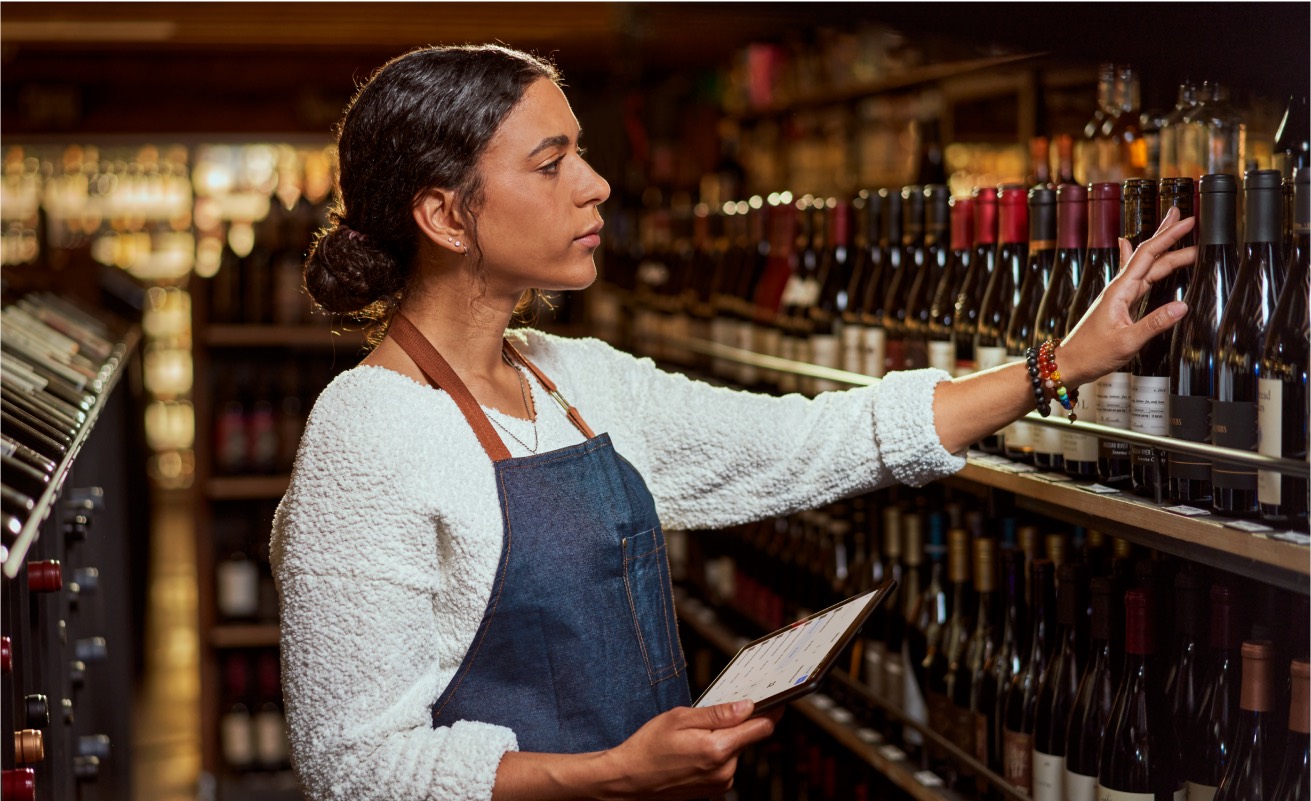
Create approved messages or tasks from bookings, invoices, and customer activity.

Pass only the order details that delivery, support, or accounting tools need.
Operational insight
Run history stays attached to source records. Teams can see what happened, where work stopped, and whether the destination accepted the action.
Explore Insights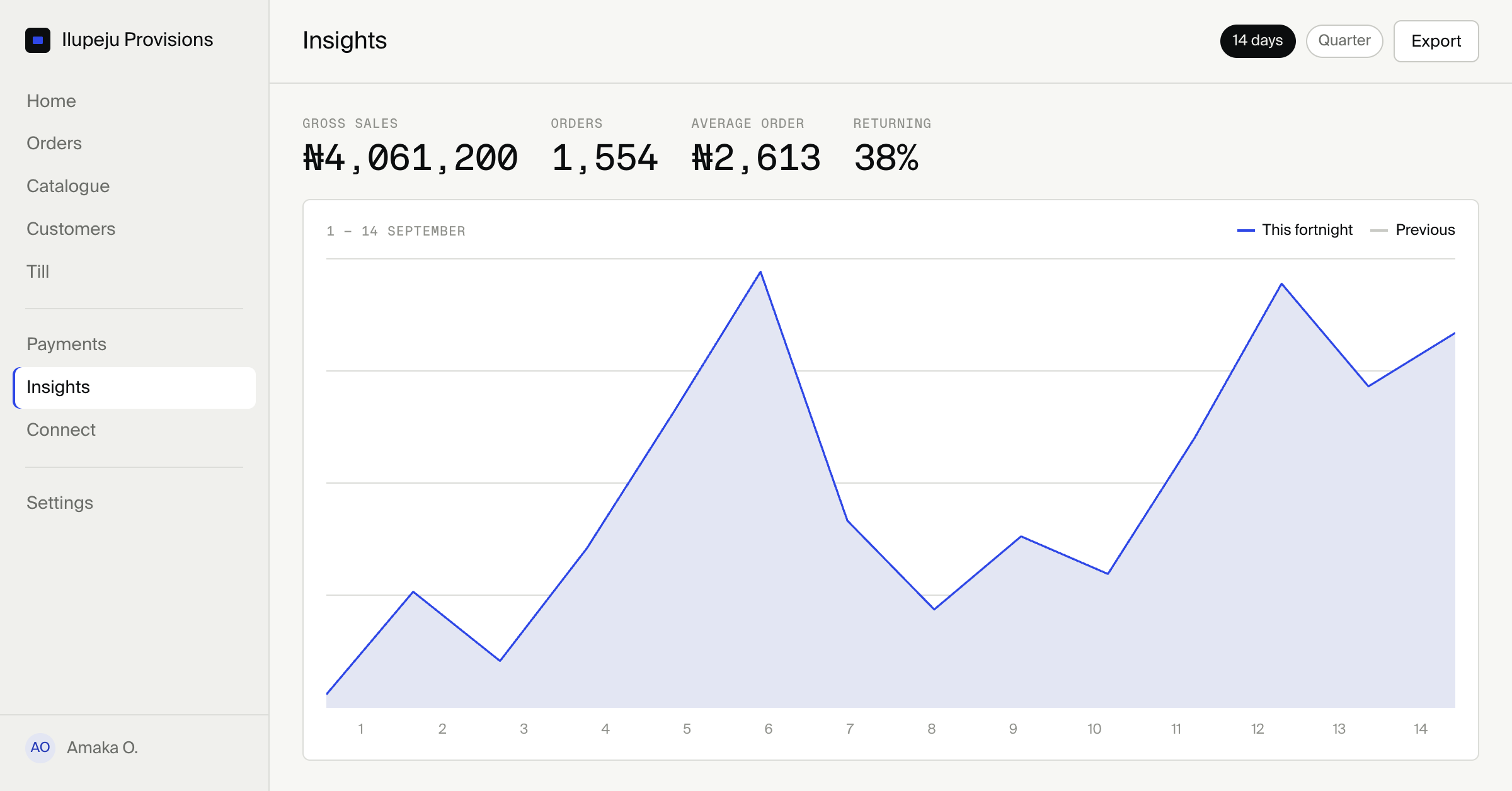
The boundary stays visible
Only connector packages included and configured by the institution exist in the deployment.
Each flow exposes the records and fields it needs rather than granting broad access by default.
Tests, runs, failures, and destination responses remain available to the teams responsible.
Package model
The Connect package supplies templates, the flow builder, run history, and connector boundaries. Specific destination implementations are added only when the institution chooses to support and operate them.
See the architectureConnect
No. They are examples of widely used business applications that an institution may choose to support through approved connector implementations.
Yes. Connector packages can target institution services or third-party applications through bounded APIs and explicit record mappings.
Templates, configuration, tests, and run history live inside Merchant Console under the institution’s brand and permissions.
No. A flow receives the records and fields required for its configured action. The Box deployment remains the source of commerce truth.
The run remains visible with its current state and destination response so the responsible team can investigate or retry according to its operating policy.
Box Connect