Keep the shelves full and the queue short
Fast scanning, weights and low stock alerts for neighbourhood grocers.
Everything the counter needs
Sell without slowing down
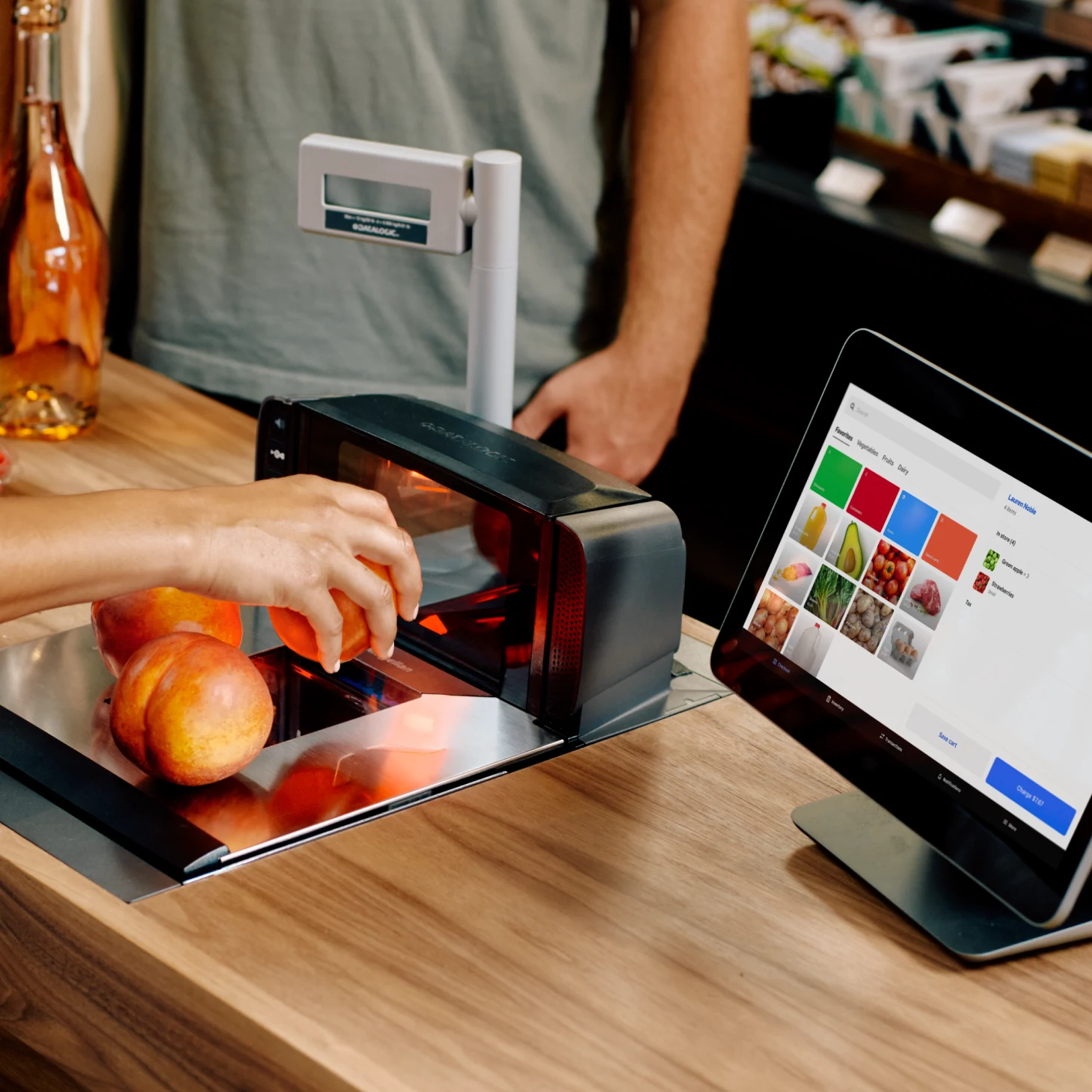
- Fast scanning Scan, tap and pay in seconds.
- Sold by weight Price loose produce by the kilo.
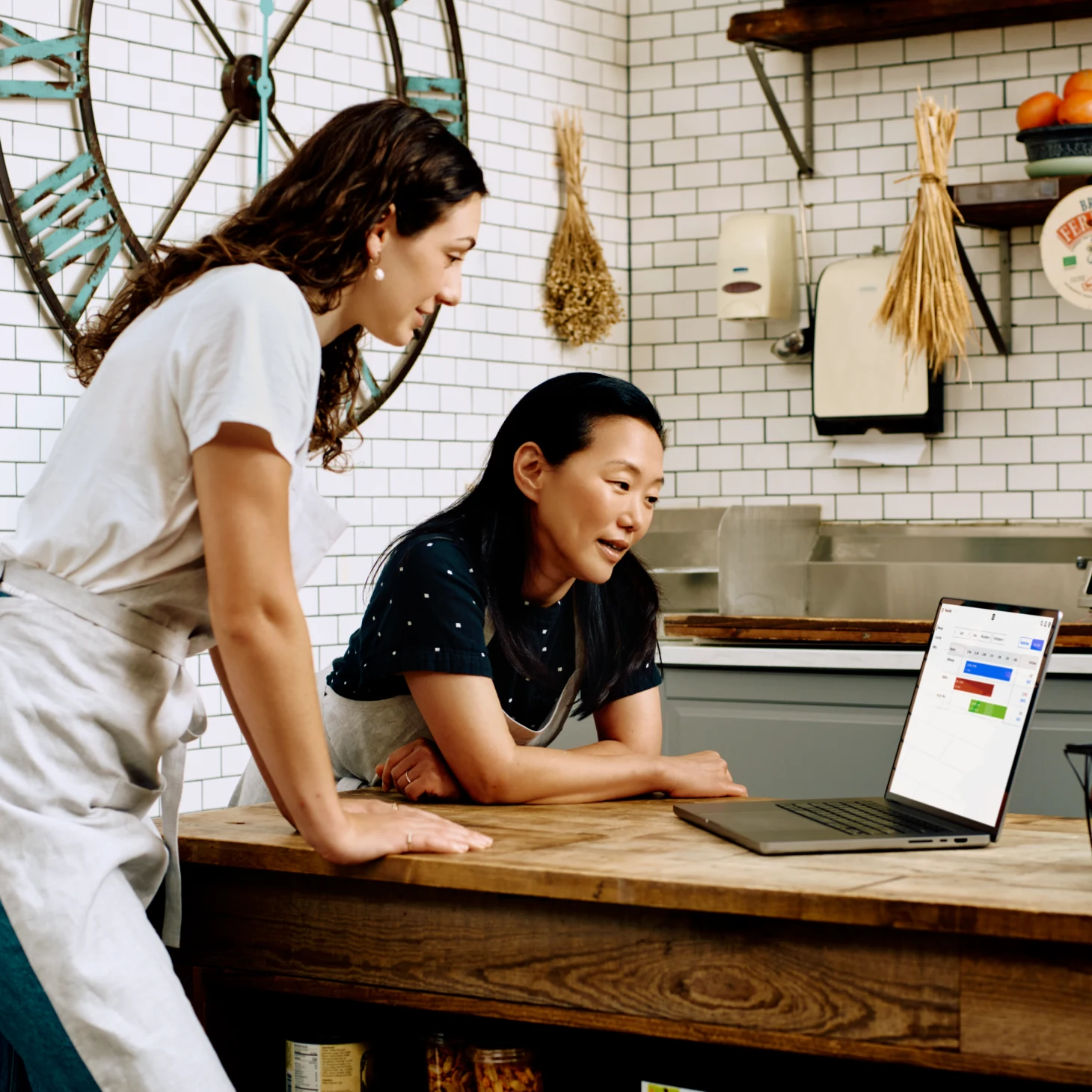
- Low stock alerts See what is running out before the shelf is bare.
- Sold by weight and by unit Price loose items by the kilo and packaged ones by the unit.

Handle the day, start to finish
- Keep the queue short Scan, tap and pay in seconds, even at the busiest hour.
- Weigh and sell loose produce Enter the weight at the till and the price is right.
- Reorder what is low The low stock list tells you what to buy before the shelf is bare.
- Count the till at close See each till and spot the one that is out before the day ends.
Grow when you are ready
- Credit from your bank A facility sized on how you trade, repaid by a share of each sale.
- Gift cards and loyalty Reward regulars and sell gift cards at the till and online.
- An online store A site from the same product list and one stock count.
- Your books and tools Connect the software you already use.
- One wallet Card, transfer and cash land in one place.
OPay · Paystack · Kippa · PalmPay · Instagram · Google Sheets
Konga Seller HQ · Sendbox · Kwik Delivery · GIG Logistics · Duplo · QuickBooks
FAQ
How do I see low stock?
Set a minimum per product and the low stock list shows what to reorder.
Can I scan barcodes?
Yes. Scan to add items and ring up the rest as custom items.
Can I sell by weight?
Yes. Enter the weight at the till.
Can I run more than one till?
Yes. Every till shares one stock count.
How do I know when to reorder?
Set a minimum for each product and the low stock list shows what to buy.